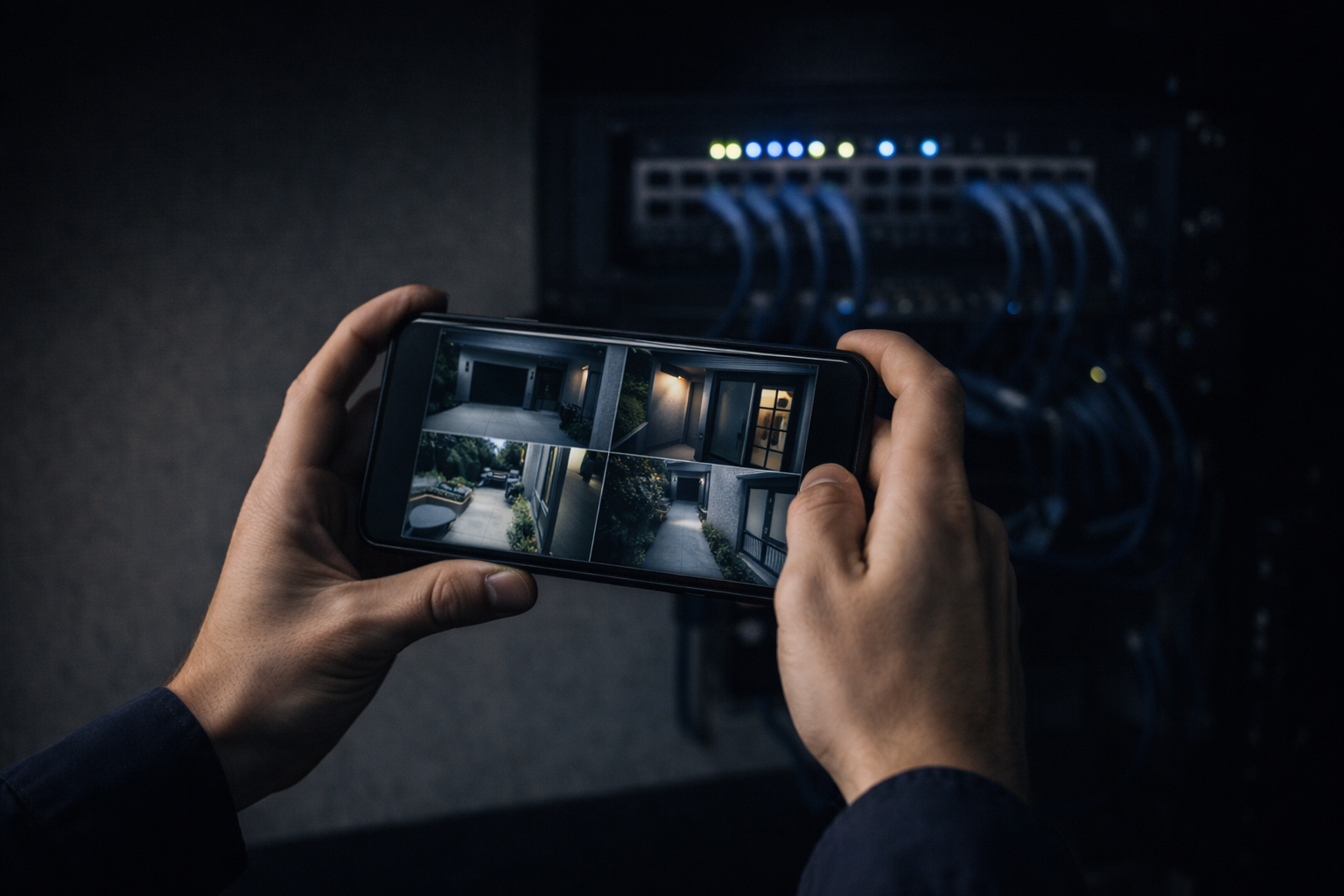
Cameras tell you what happened. Access control tells you who opened the door. Run separately, each is useful. Run as one system, they answer questions neither can alone — which is why CCTV access control integration is the upgrade that pays off most for commercial buildings. When a badge swipe is tied to the video of who actually walked through, an incident that used to take an afternoon of scrubbing footage takes thirty seconds. Here’s what that integration buys you and how to do it right.
What Access Control Adds to Cameras
Access control manages your doors: who can open which door, when, and with what — a badge, a fob, or a phone. It replaces keys you can’t track with credentials you can revoke instantly, logs every entry, and lets you lock or unlock remotely and set schedules so the building secures itself at night. On its own that’s valuable. The logs tell you a door opened at 2:14 a.m. What they don’t tell you is who was actually standing there.
Why Integration Beats Two Separate Systems
That’s the gap cameras close. Integrated, a door event links straight to the video clip of that moment, so who badged in and who walked in are the same verified fact, not two systems you cross-reference by hand. It catches tailgating — one badge, two people through the door. It gives your staff one interface and one login instead of two portals. And when something goes wrong, there’s no finger-pointing between a camera vendor and a door vendor, because it’s one system with one owner accountable for it.
Picture the everyday version: a laptop goes missing from a suite over a weekend. With two systems, you export door logs, then hunt through hours of video hoping the timestamps line up. Integrated, you filter to that door and that window and watch each entry with the badge attached — or see the person who slipped in behind someone with no badge at all. Same footage, minutes instead of an afternoon, and an answer clear enough to act on.
What Integration Looks Like in Practice
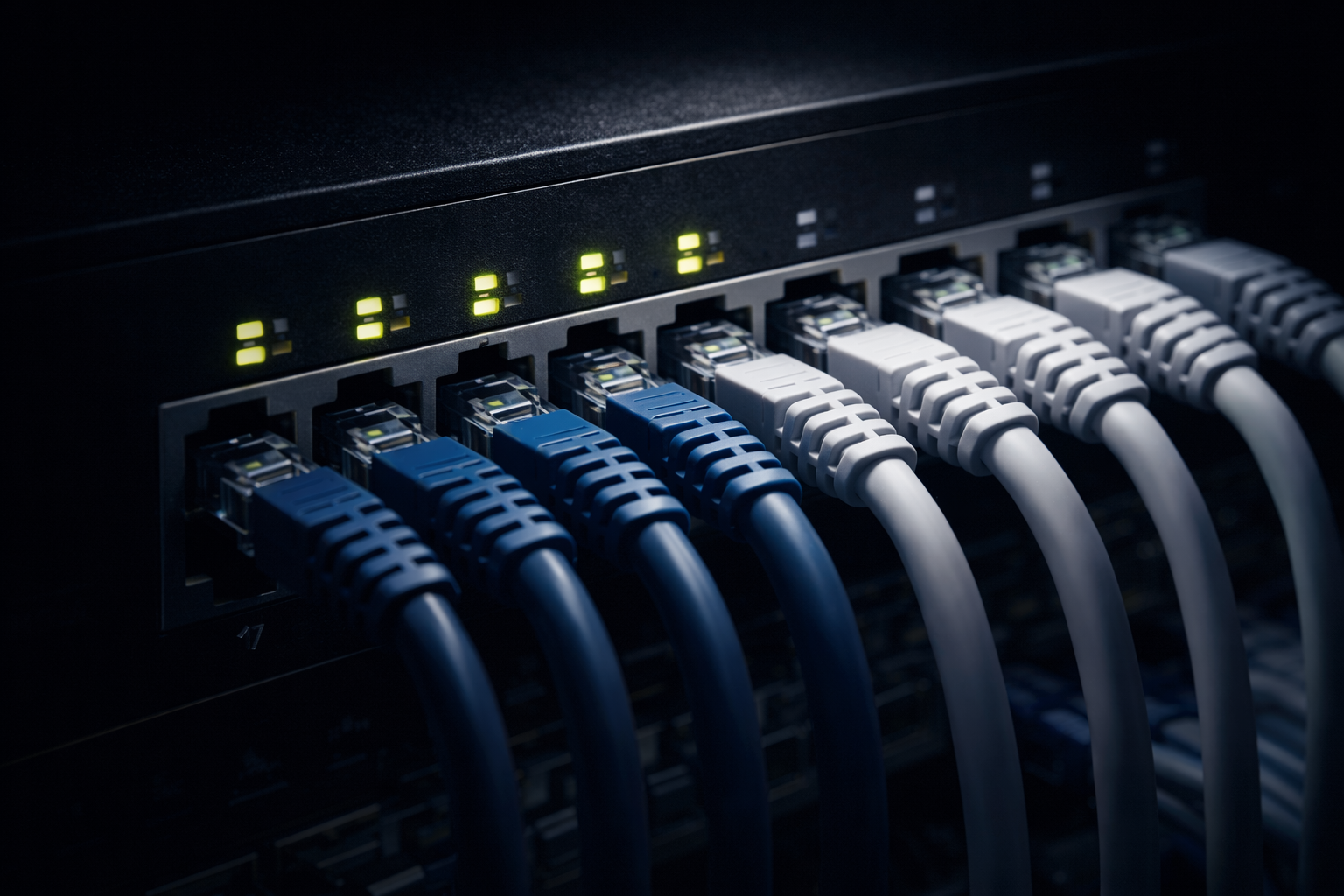
Under the hood it’s less exotic than it sounds. Cameras and door hardware — readers, controllers, electric strikes, request-to-exit sensors — all ride the same structured cabling and network, managed from one platform. Ecosystems like UniFi bring cameras and access onto a single interface; open, ONVIF-based gear can be bridged where needed. The common thread is that it’s wired, planned, and built as one low-voltage system rather than two hobby kits bolted together.
Do It as One Project, Not Two
The expensive way to get here is to install cameras now, add access control in two years, and pay someone to make them talk. Retrofitting integration means re-pulling cable, re-working the network, and hoping the two brands cooperate. The cheap way, long term, is to plan both up front: one cabling design, one network segment, one platform, sized for the doors and cameras you’ll actually have. Even if you phase the rollout, the infrastructure should be designed for the whole thing on day one.
How We Build It
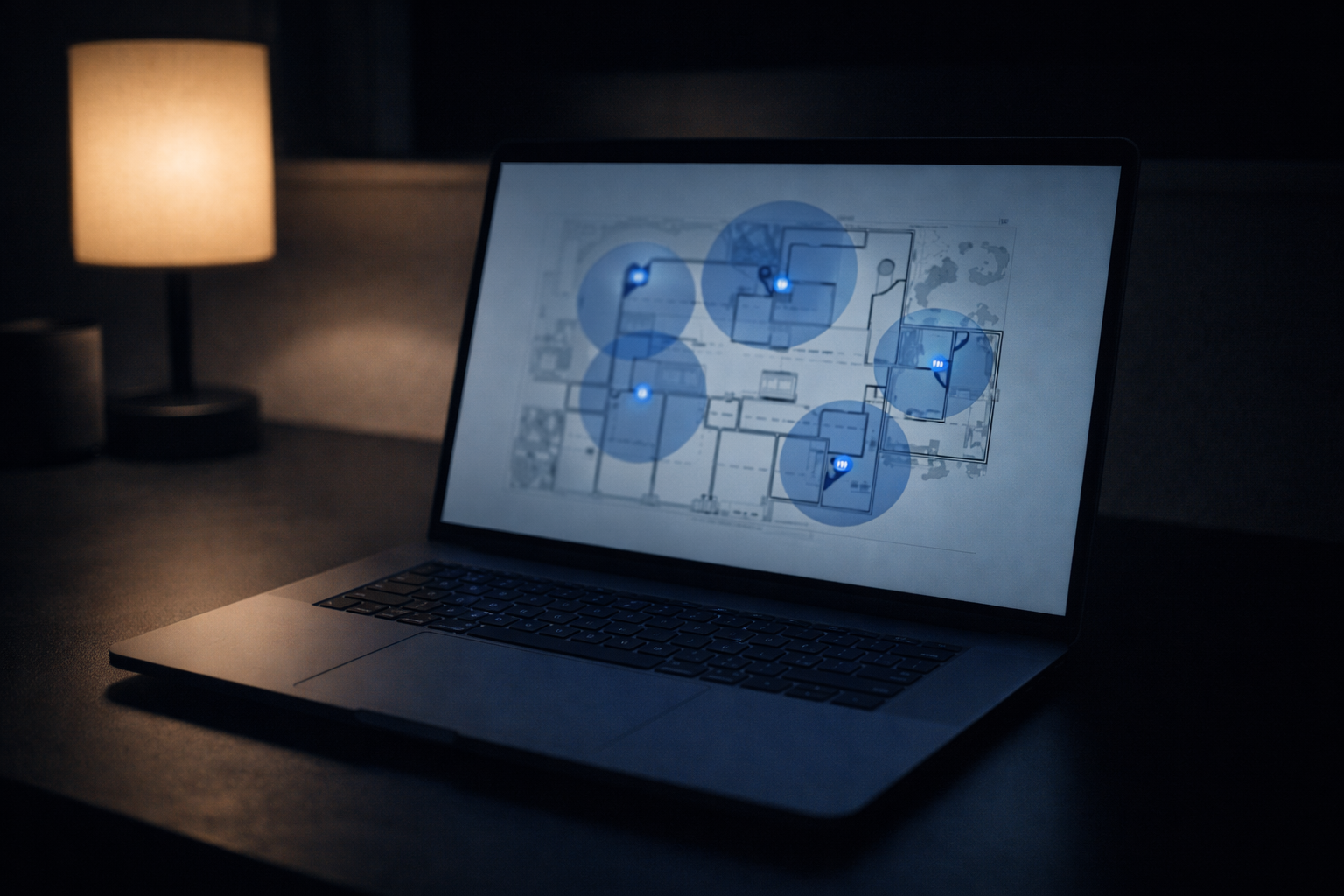
We design cameras and access control as a single integrated system for Bay Area businesses and buildings. On a paid walkthrough we map doors and camera coverage together, spec a unified platform, run and test the cabling for both, and coordinate with your IT team or MSP — all under a written estimate billed time and materials with a not-to-exceed cap. It’s the same approach behind our commercial security camera installation guide, delivered by a C-7 licensed contractor (we’re C-7 #1141654). See how we handle commercial CCTV work, or send your building details through our contact page.