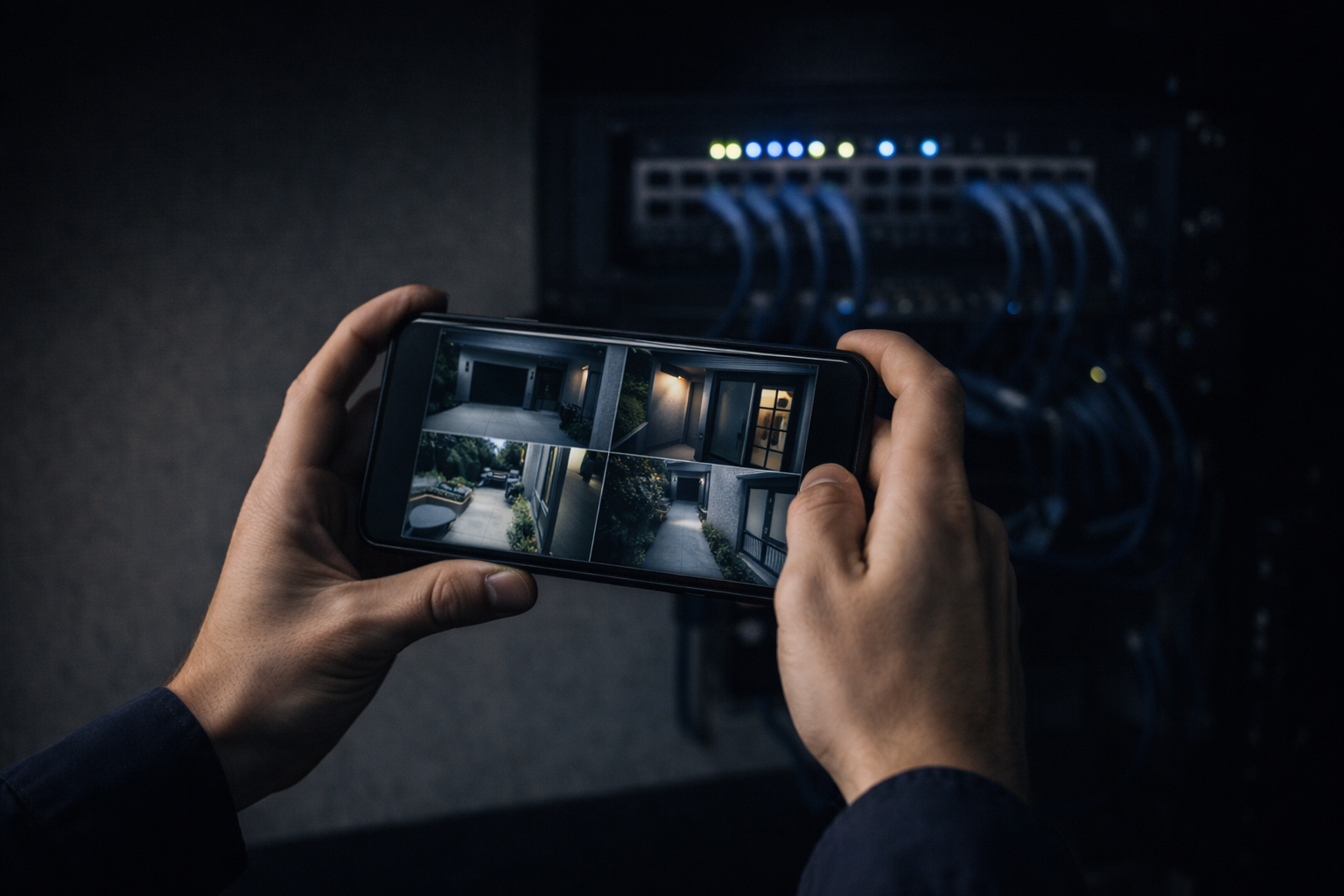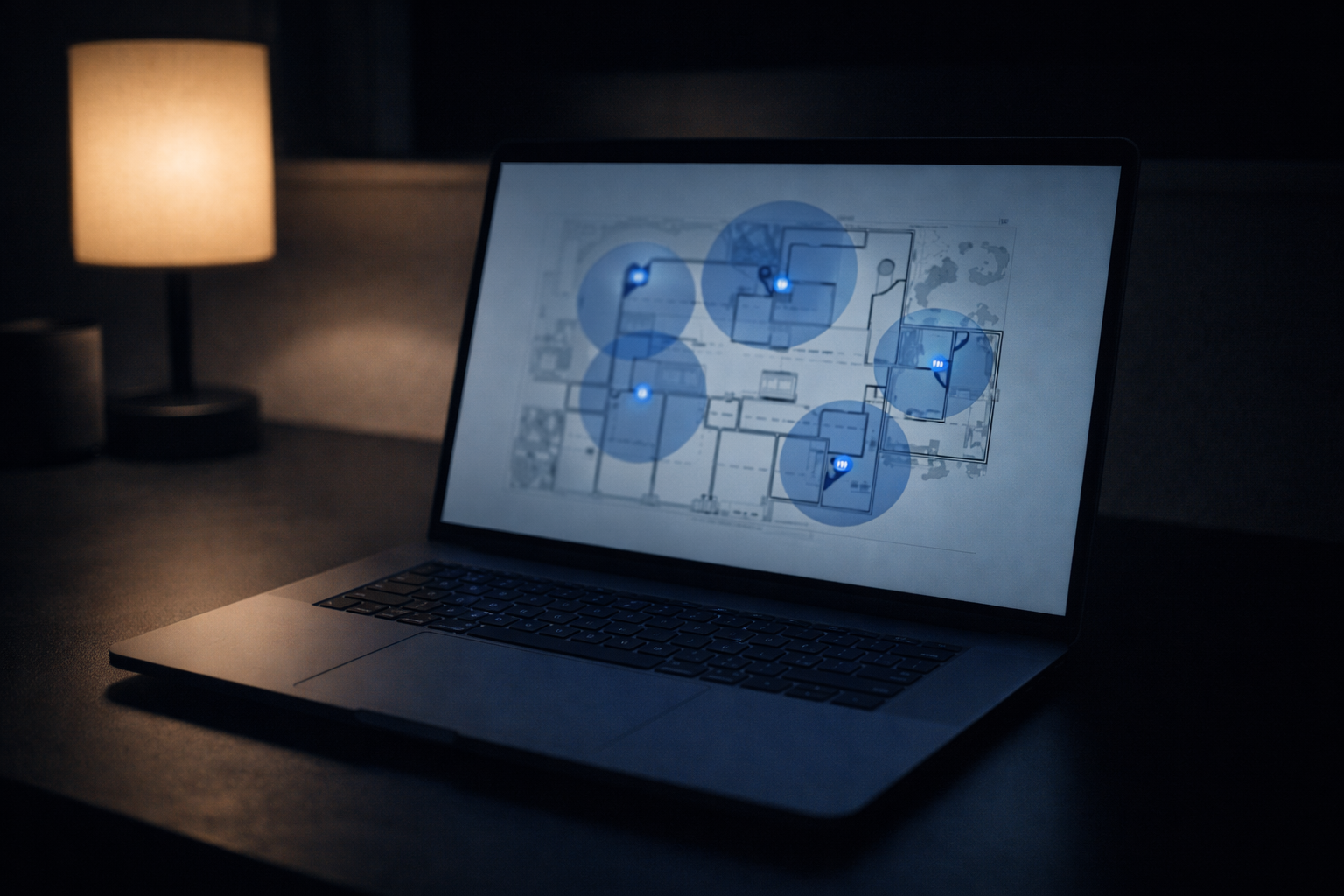
Most commercial security camera systems are bought twice. The first time, someone picks cheap cloud cameras off a shelf, mounts them high and wide, and calls it covered. The second time — after an incident produces footage too grainy to identify anyone, or the cloud subscription quietly stops retaining clips — they call a licensed contractor to do it right. Commercial security camera installation isn’t about hanging hardware. It’s about getting usable, reliable footage of the things that actually matter to your business, and building a system that still works in three years. This guide covers what a Bay Area business or property manager should understand before buying: how commercial systems differ from consumer cameras, what drives coverage and cost, and what to demand from whoever installs it.
Commercial CCTV Is a Different Animal Than Ring
Consumer cameras — Ring, Nest, the four-pack from a big-box store — are built for a front porch, not a 30,000-square-foot facility. They lean on Wi-Fi, batteries, and a monthly cloud plan, and every one of those is a failure point at commercial scale. Wi-Fi gets saturated. Batteries die on a ladder you need a lift to reach. And cloud-only retention means when you actually need last Tuesday’s footage, it may already be gone.
A real commercial system is wired. Cameras run on PoE (Power over Ethernet) over the same structured cabling that carries your network, so there’s one cable per camera, no batteries, and no Wi-Fi contention. Footage records to an on-site NVR (network video recorder), so you own your retention and aren’t renting access to your own video. That’s the baseline. Everything else is detail.
What Actually Drives Coverage and Cost
The number of cameras isn’t a guess — it’s a coverage plan. Entrances and exits, points of sale, loading docks, server rooms, parking, and any blind corner where incidents cluster each need the right camera for the job: a wide view to see the scene, a tighter one to identify a face or a plate. Resolution, lens choice, low-light performance, and mounting height all decide whether your footage is evidence or just a blur.
Cost follows the building, not a per-camera sticker. Cable runs, ceiling type, conduit, and how far the recorder sits from the cameras move the number more than the cameras themselves. A clean job in an open-ceiling warehouse in Fremont costs differently than fishing cable through a finished multi-tenant office in Oakland or a tenant-occupied floor in Walnut Creek. Storage matters too: more cameras and longer retention mean more recorder capacity.
Cameras Are Half the System: Cabling, Storage, and Integration
A camera system is a low-voltage installation first and a security product second. The cabling has to be run to spec, labeled, and tested, or you inherit the same mystery-wiring problems that plague bad network jobs. Your recorder needs power protection and enough storage for your retention policy. Most businesses want thirty to ninety days of footage on hand, and an insurer or an incident can dictate that number; too little storage means the clip you need has already been overwritten. Right-sizing storage up front is far cheaper than discovering the gap after a break-in.
And increasingly, cameras don’t stand alone — they integrate with access control, so a badge-in at a door ties to video of who actually walked through it. Built as one system, that integration is powerful; bolted on later by whoever’s cheapest, it’s a mess. This is exactly the discipline behind our security camera work.
Why Commercial Security Camera Installation Needs a Licensed Contractor
In California, commercial low-voltage work over $500 — which any real camera system is — requires a C-7 licensed contractor. That license is your protection: permits where required, insurance, and accountability. We’re C-7 #1141654.
We start with a paid walkthrough to map the building, identify the shots that matter, and confirm pathways and recorder placement. You get a written estimate billed time and materials with a not-to-exceed cap — not a lowball flat price that grows on install day. We run and test the cabling, mount and aim every camera so the footage is actually usable, label and document the system, and coordinate with your IT team or MSP on the network side, working after-hours when a floor can’t go dark. We serve businesses and multi-tenant properties across the Bay Area, from San Jose to Hayward.
The Rest of This Series
- How Many Security Cameras Does Your Business Need?
- Commercial Camera Systems Explained: PoE, NVR & VMS
- CCTV and Access Control: Why They Belong on One System
- Security Cameras for Multi-Tenant and Multi-Site Properties
A commercial camera system is only worth what its footage is worth when something happens. Cheap, wireless, cloud-only systems tend to fail exactly then. If you’re planning commercial security camera installation for a Bay Area business or building, start with a walkthrough. We’ll map the coverage you actually need and put a real number in writing, no theater, just footage that holds up when it counts. Reach us through our contact page.