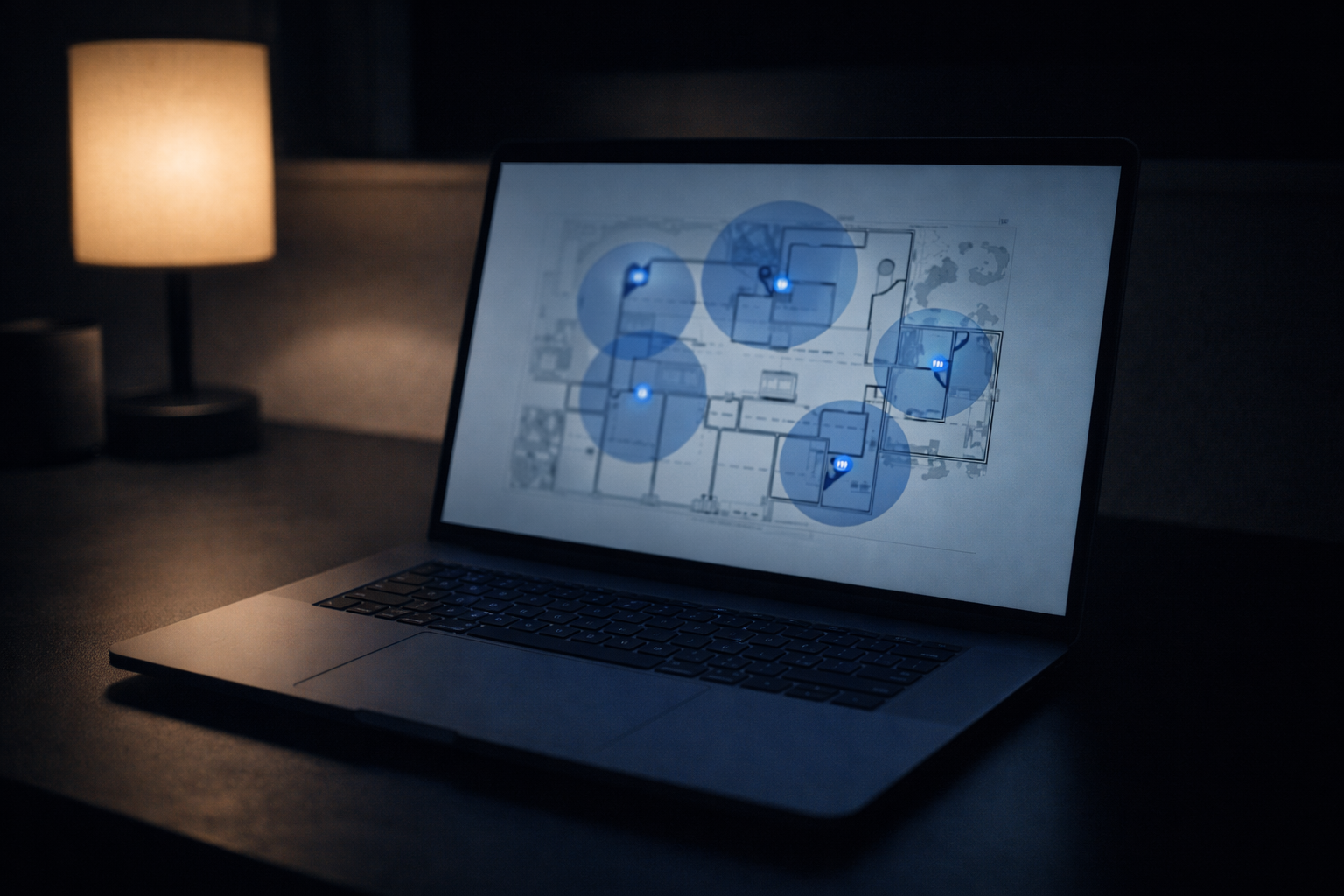
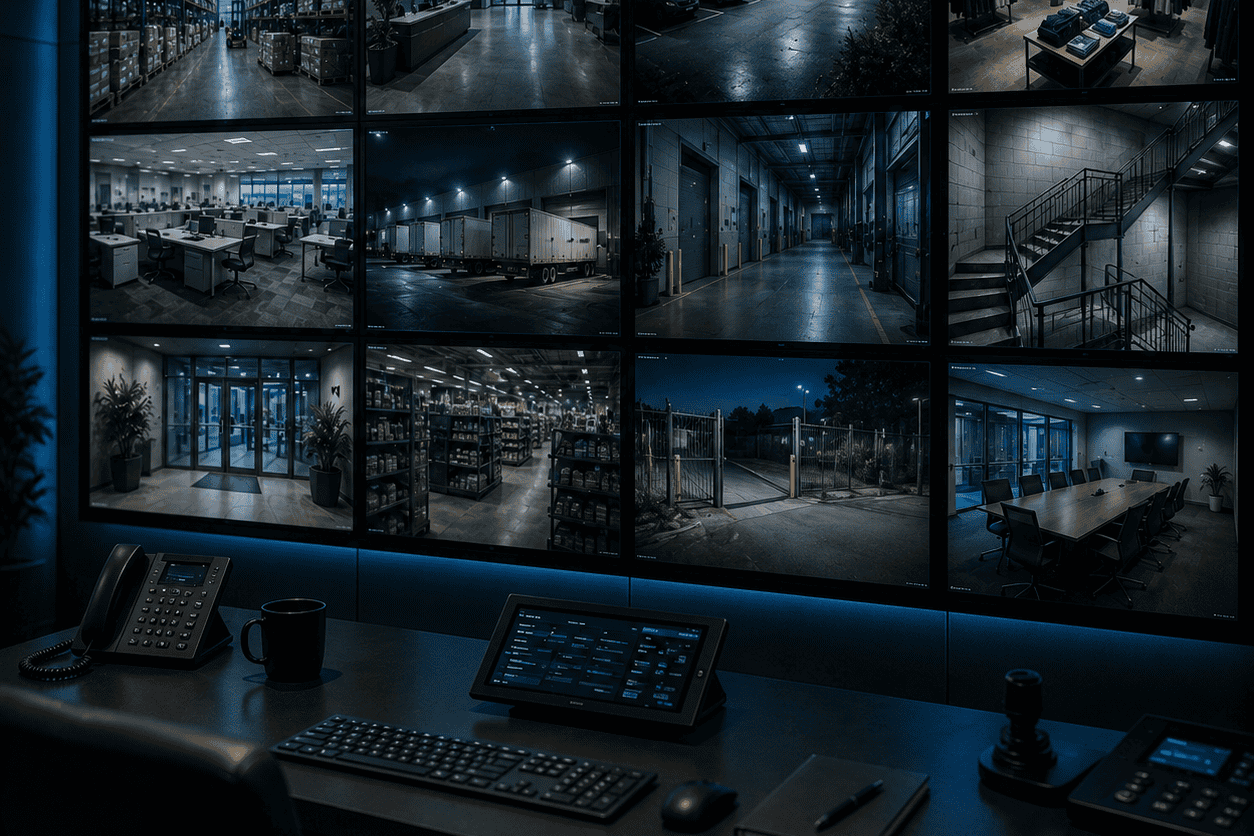
“How many security cameras does my business need?” is the first question owners ask — and the wrong one to answer with a number. Commercial security camera placement is about coverage, not count. Eight cameras aimed at the right things beat twenty pointed at empty hallways, and they cost less to install and store. Before anyone quotes you a camera count, the real work is deciding what you’re protecting and what each camera has to see. Here’s how to think about it.
Start With Risk, Not Camera Count
Walk your building and ask where loss, liability, and disputes actually happen. A retail floor cares about points of sale and exits. A warehouse cares about loading docks and inventory cages. An office cares about entrances, server rooms, and after-hours access. Cameras follow risk. Every one you place should answer a question you’d actually ask after an incident: who came in, who touched that, who was here at 2 a.m.
The Zones Most Businesses Cover
Most commercial jobs share a familiar set of priority zones. You won’t need all of them, but this is the menu we work from:
- Entrances and exits — every door people use, for a clean face shot
- Points of sale, reception, and cash-handling areas
- Loading docks, back doors, and delivery areas
- Parking lots and approaches — often where incidents start
- Server rooms, IT closets, and anywhere with expensive or sensitive gear
- Blind corners and long aisles where things go missing
- Perimeter and property lines for larger or multi-building sites
One Camera, One Job
A single camera can’t both watch a whole room and identify a face at the door. Overview cameras give you the scene — what happened and where. Identification cameras are placed tighter and lower, at choke points like doorways, to capture a usable face or license plate. Most disputes get solved by an identification shot, not a wide one, so the mistake we see most often is a building full of overview cameras and not a single frame clear enough to name anyone. Good commercial security camera placement pairs the two on purpose.
Rules of Thumb, and Why They Break
People want a number, so here’s a rough one: a small office often lands around four to eight cameras, a single retail floor around eight to sixteen, a warehouse anywhere from a dozen to many depending on size and dock count. Treat those as starting points, not estimates. Ceiling height, lighting, layout, and how many entrances you have move the real number more than square footage does. Two stores the same size can need very different systems.
More Cameras Isn’t Always More Security
There’s a point where adding cameras stops helping. Overlapping views of the same lobby don’t make you safer; they just make more footage to store and more angles nobody reviews. The goal is full coverage of what matters with no critical blind spots, not a camera on every wall. We’d rather place twelve cameras that each earn their spot than pad a number to make a proposal look thorough. Fewer, better-placed cameras also mean less cabling, less storage, and a system you’ll actually keep up with.
How We Decide It, on Site
We don’t sell you forty cameras when twelve placed right do more. On a paid walkthrough we map your building, mark the shots that matter, and pair overview and identification cameras to your actual risks, then put it in a written estimate billed time and materials with a not-to-exceed cap. It’s the same approach behind our commercial security camera installation guide, and it’s what a C-7 licensed contractor should bring (we’re C-7 #1141654). See how we approach commercial CCTV work, or send your building details through our contact page and we’ll map the coverage you actually need.