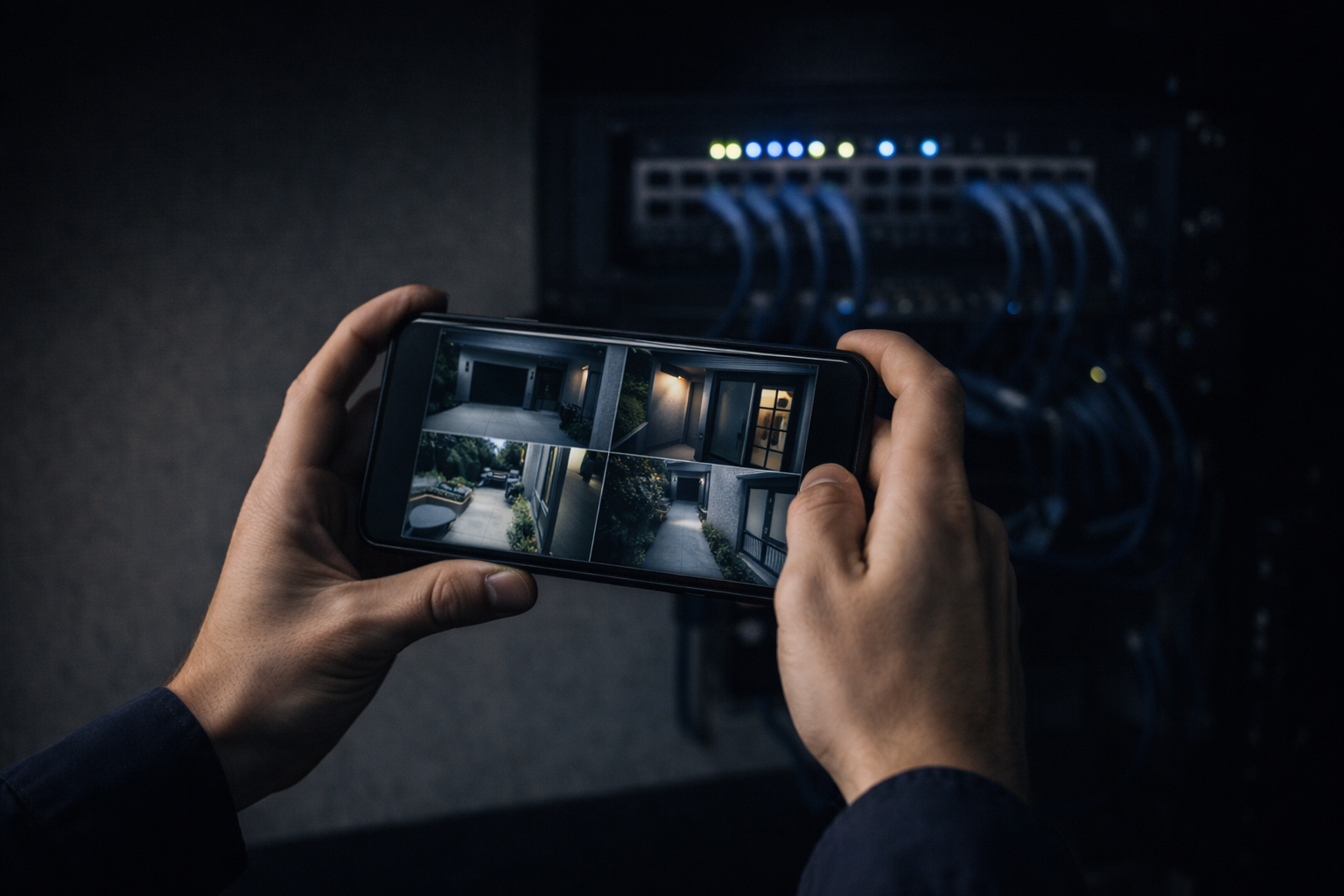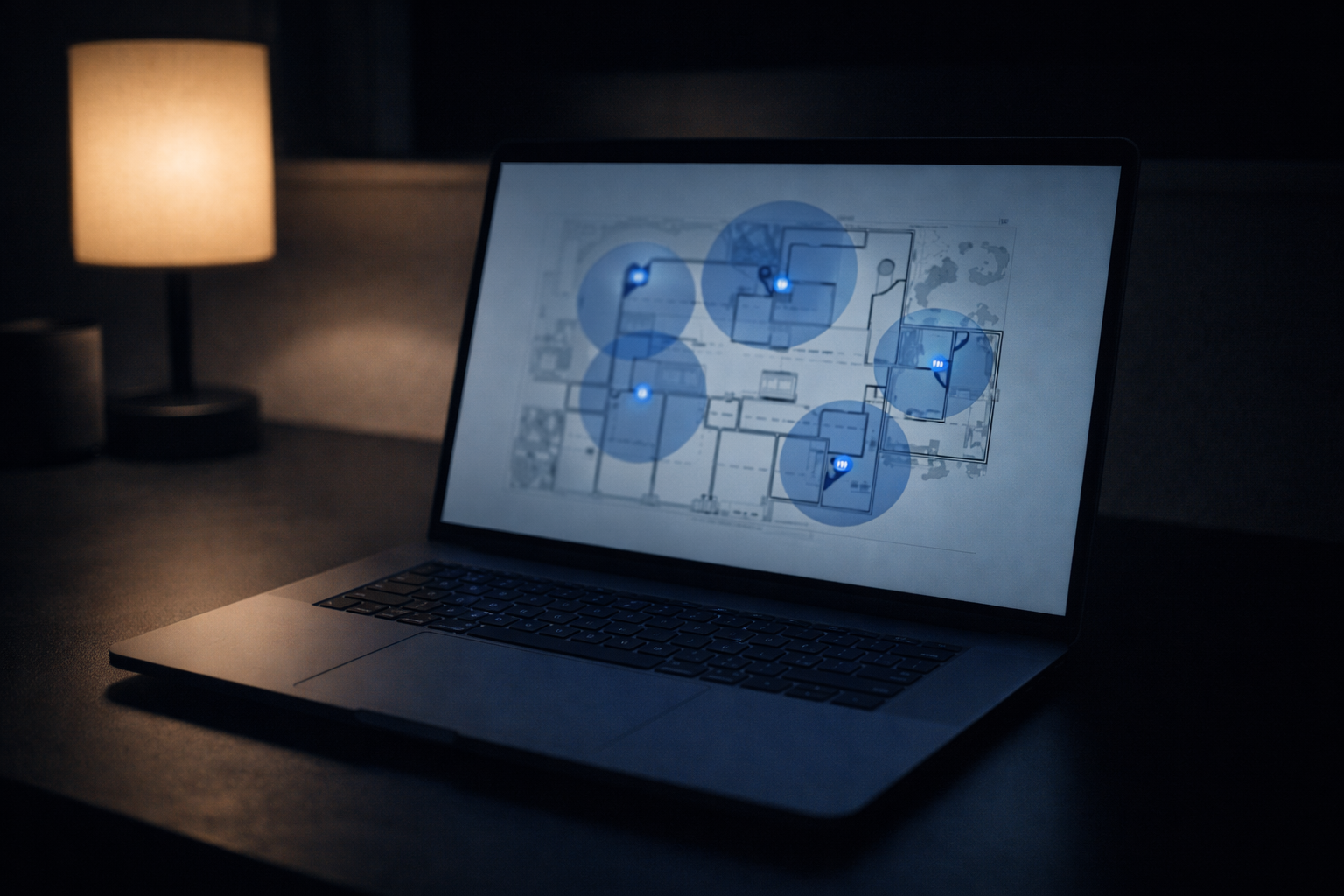
Shopping for a commercial camera system means wading through acronyms: PoE, NVR, DVR, VMS, ONVIF. Vendors lean on the jargon because confused buyers are easier to upsell. You don’t need to become an installer, but you should understand how the pieces of a commercial CCTV system fit together — because those choices decide whether you own your footage, whether the system scales, and whether you’re locked into one brand forever. Here it is in plain English.
PoE: One Cable Does Everything
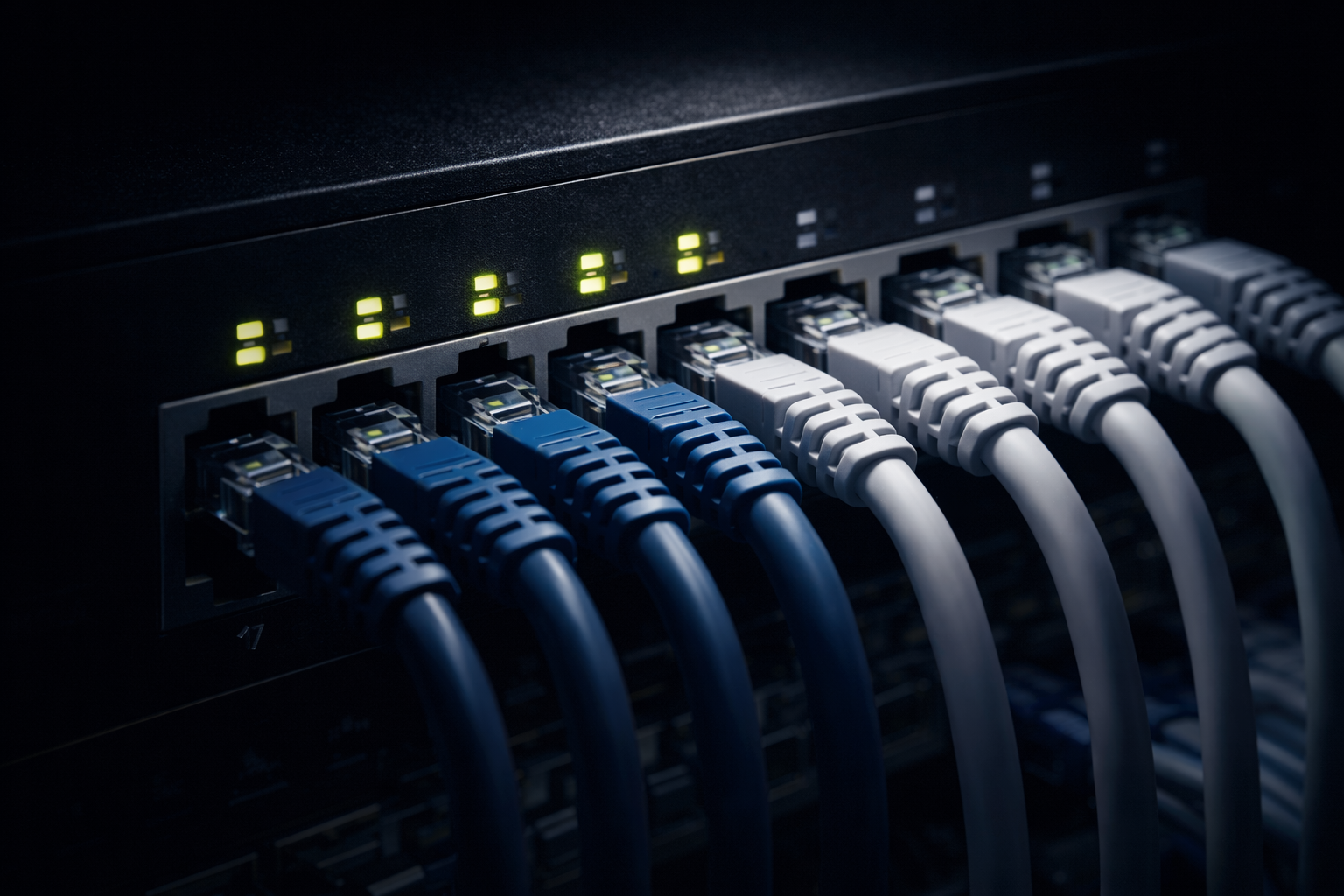
PoE stands for Power over Ethernet. It means a single network cable carries both the data and the power to each camera, so there’s no separate electrician run to every mounting point and no batteries to die. One cable, one camera, powered from a PoE switch in your network closet. This is why commercial cameras are wired: it’s cleaner, more reliable, and far easier to service than Wi-Fi cameras on wall warts. The one thing to size correctly is the switch’s power budget, because every camera draws from it; a good installer plans that up front so you’re not maxed out the day you add three more cameras.
NVR vs DVR: Where Your Footage Lives
This is the fork that dates a system. A DVR (digital video recorder) is the old analog world: coax cable, lower resolution, a dead-end path. An NVR (network video recorder) is the IP world: your PoE cameras stream over ethernet to a recorder that stores footage on site, at full resolution, on drives you own. For any new commercial install, NVR and IP cameras are the answer. If someone quotes you a DVR and coax in 2026, they’re installing yesterday’s system at today’s price.
VMS: When Software Runs the Show
A VMS (video management system) is software that does what an NVR box does, but bigger. Instead of one recorder tied to one building, a VMS can manage cameras across many sites, handle dozens or hundreds of streams, run smarter search, and give different staff different access. A single-building business is usually fine on a well-specced NVR. Multi-site operators — or anyone who needs central management and role-based access — are where a VMS earns its cost. The right answer depends on scale, not on which one sounds more impressive.
ONVIF: Don’t Get Locked In
ONVIF is an open standard that lets cameras and recorders from different manufacturers work together. It matters because proprietary systems trap you: when the vendor discontinues a line or jacks up prices, you’re stuck replacing everything. Sticking to ONVIF-compliant, IP-based gear keeps your options open, so a camera that fails in three years can be swapped without ripping out the whole system. Ask any installer whether their gear is open standard. The answer tells you whether they’re building for you or for their own recurring revenue.
How the Pieces Fit, and How We Build It
Put together, a commercial CCTV system is simple in shape: cameras connect by PoE to a switch, the switch feeds an NVR or VMS, footage lands on right-sized storage, and the whole thing rides your network — ideally on its own segment so cameras never fight your business traffic. Getting there is a low-voltage job first: structured cabling run to spec, labeled, and tested, then the gear on top. We spec IP and PoE, favor open standards, size storage to your retention needs, and coordinate with your IT team or MSP on the network side. It’s the same approach behind our commercial security camera installation guide, delivered by a C-7 licensed contractor (we’re C-7 #1141654). See how we handle commercial CCTV work, or send your building details through our contact page and we’ll map the right system for your scale.