When your business network grows past the box the ISP dropped off, the quotes start filling up with acronyms: VLAN, firewall, VPN, QoS, and failover. Vendors lean on the jargon, and it’s easy to nod along and hope the number at the bottom is fair. You don’t need to become a network engineer. But knowing what a handful of these terms mean — and why each one matters to your business — is the difference between buying a real network and buying a pile of consumer gear at a markup. Here are the ones worth knowing.
First, the foundation: cabling and reliable Wi-Fi
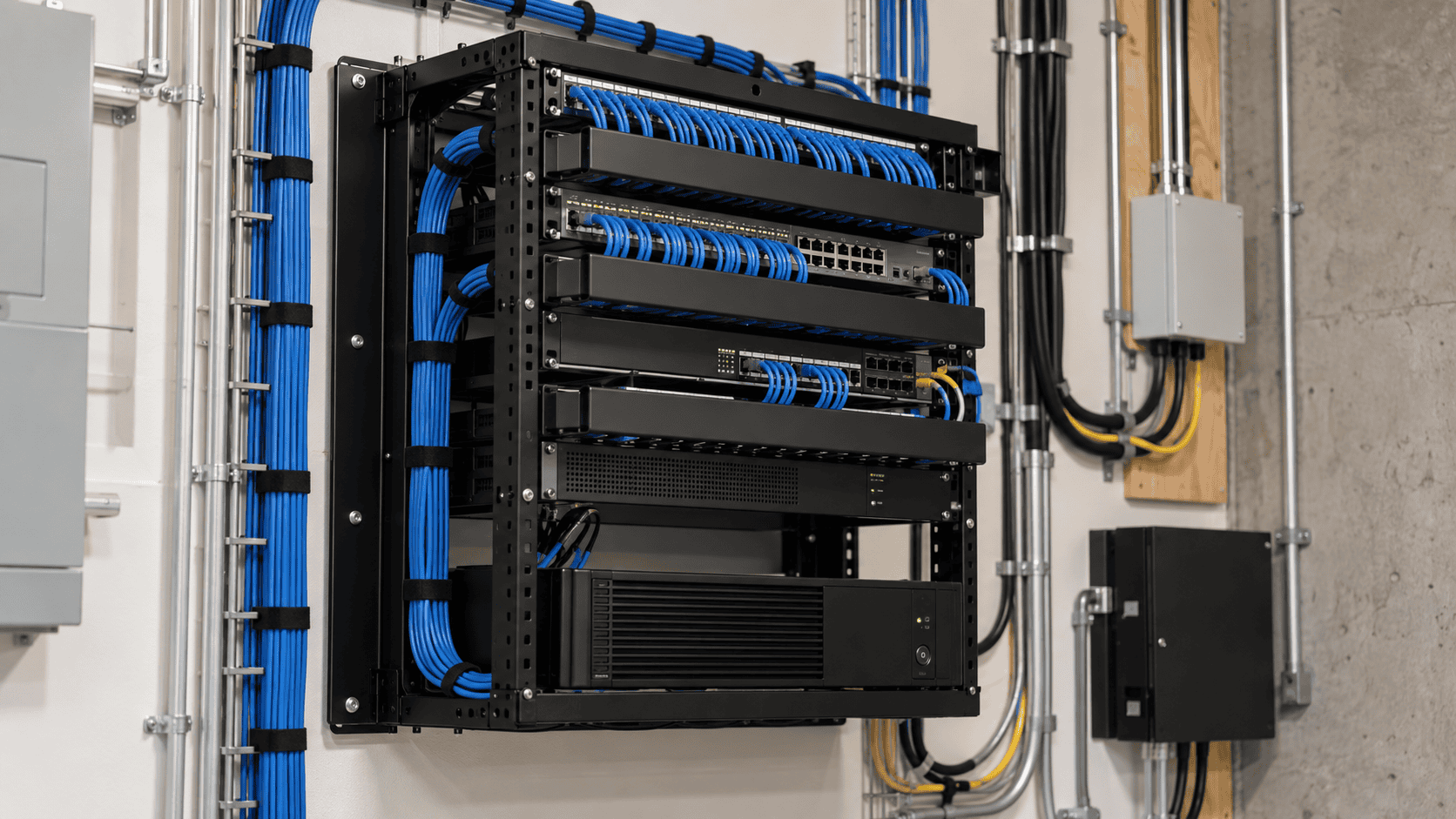
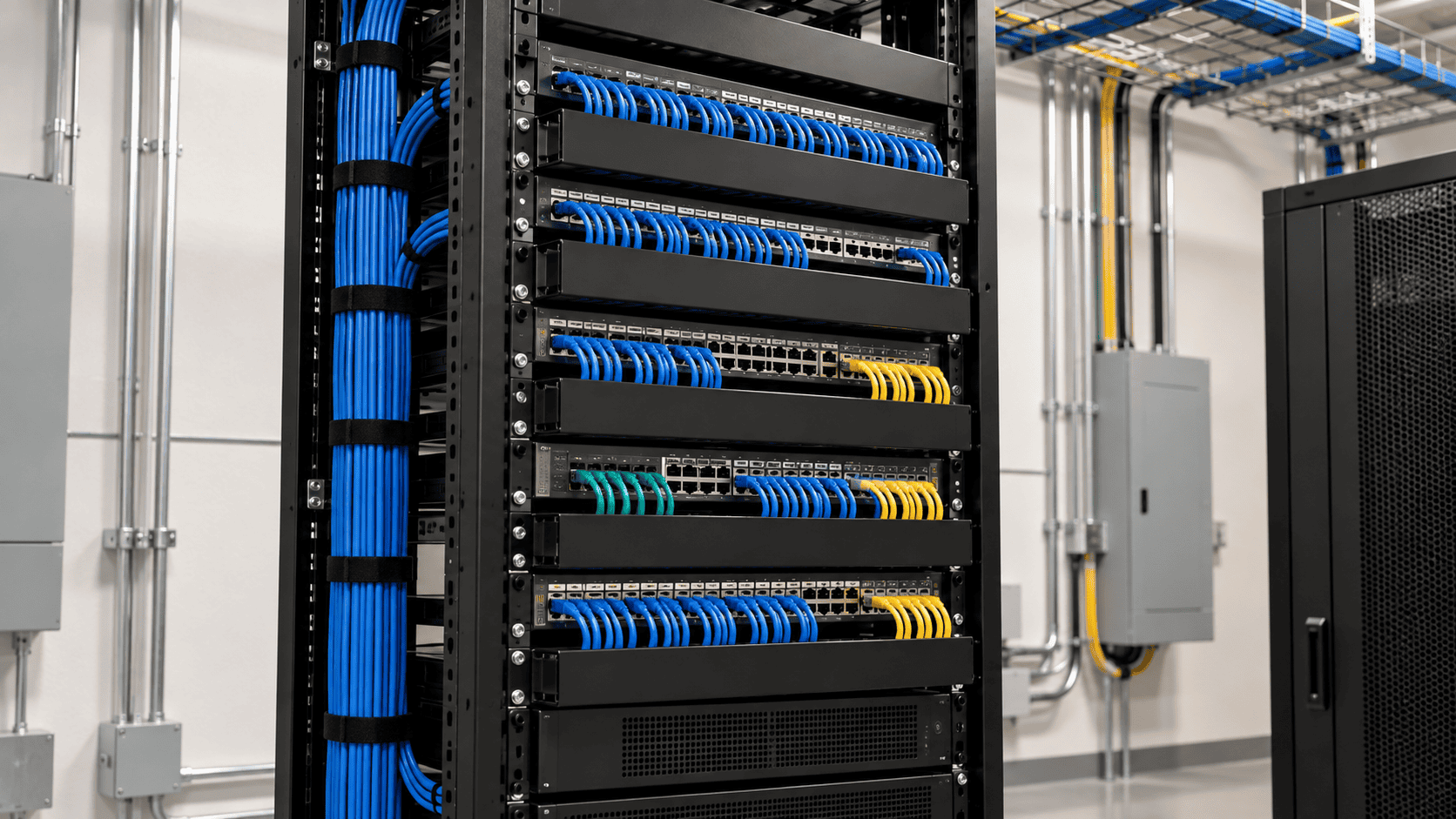
Every term below rides on the physical layer — and that’s two things, not one: the cabling in the walls and the Wi-Fi on top of it. Managed switches, cameras, and phones are only as reliable as the wiring behind them, and your Wi-Fi is no different, because access points are only as good as the wired backhaul feeding them and the spots they’re mounted in. Labeled, tested structured cabling plus properly placed, centrally managed access points are the layer nobody sees and everybody depends on. Get either wrong and no amount of clever configuration saves you. It’s why an “advanced network” starts with the physical layer, not with software settings.
VLAN (Virtual LAN)
What it is: A VLAN lets one physical network behave like several separate ones. Your cameras, guest Wi-Fi, point-of-sale terminals, and staff computers can share the same cables and switches but live in isolated lanes that can’t see each other.
Why it matters: Segmentation is security. If a guest’s laptop or a compromised security camera sits on its own VLAN, it simply can’t reach your accounting or customer data. It also keeps traffic clean and is often required for compliance — PCI, if you take card payments. This is the single biggest jump from a flat consumer network to a real business one.
Firewall
What it is: The gatekeeper between your network and the internet, deciding what traffic is allowed in and out.
Why it matters: The firewall baked into an $80 consumer router is not the same thing as a business firewall that filters threats, blocks malicious sites, runs intrusion detection, and shows you what’s actually happening on your network. For any business touching customer or payment data, a real firewall is table stakes, not an upgrade.
Managed switch (vs. unmanaged)
What it is: A switch connects your wired devices. An unmanaged switch just passes traffic and does nothing else. A managed switch can create VLANs, prioritize traffic, monitor each port, and be configured remotely.
Why it matters: VLANs, call prioritization, and monitoring all require managed switches. If someone spec’s cheap unmanaged switches for a business, they’re handing you a network you can’t segment, prioritize, or troubleshoot — you’re flying blind the first time something breaks.
Access points and a controller (vs. a consumer router)
What it is: In a real network, Wi-Fi comes from access points (APs) placed for coverage and managed centrally by a controller — not from a single all-in-one router shoved in a closet.
Why it matters: One consumer router can’t cover an office, roam a device cleanly from one end to the other, or push a proper guest network everywhere. APs plus a controller (UniFi, for example) give you seamless coverage, central management, and multiple named networks — staff, guest, IoT — each mapped to its own VLAN.
VPN (Virtual Private Network)
What it is: An encrypted tunnel that lets remote staff, or a second office, reach your network securely over the public internet.
Why it matters: If people work from home or you run more than one site, a VPN is how they get to internal resources without exposing those resources to the entire internet.
VoIP and QoS (Quality of Service)
What it is: VoIP is phone service running over your network instead of a separate phone line. QoS is the setting that prioritizes certain traffic — calls and video — so a large download doesn’t make your phones stutter.
Why it matters: Most business phones now run on the network. VoIP itself runs fine on a plain unmanaged switch — the phones don’t care. What a managed switch adds is QoS: when the network is busy, it keeps calls clear by giving voice priority over a big download. Skip it and your “phone problem” is really a network-design problem.
WAN failover / redundancy
What it is: A second internet connection — a backup line or cellular failover — that takes over automatically when your primary connection drops.
Why it matters: If your business stops when the internet stops (payments, phones, cloud apps), failover is cheap insurance against a dead ISP taking your whole day with it.
Why this matters for your business
The theme across every one of these is the same: a real business network is designed, not assembled. Segmented, so a breach in one corner can’t reach everything. Managed, so you can see and control it. Built on cabling that’s labeled and tested. The gap between that and a stack of consumer gear isn’t really about hardware cost — it’s about whether your network protects your data, keeps your phones and payments up, and grows with you instead of getting ripped out in two years.
How we help
You don’t need to understand any of this to end up with a network that does. That is where we come in. We start with your business and what the network has to do for it, then bring back the providers and partners who can deliver it, side by side: from the internet service coming into the building to the network and Wi-Fi inside it. You choose, and we manage the project through go-live. For day-to-day support afterward, we connect you with a managed service provider that fits how you work.